Free guide · Context → Action
Step 01 · Capture
One inbox for everything that comes in.
You are working on a project. A client sends a request for next week. Where do you put it?
In your notes, in the client's project, on a sticky note? You take the quickest option. Then, when you come back to it, you have to find where it landed. Assuming you remember it at all.
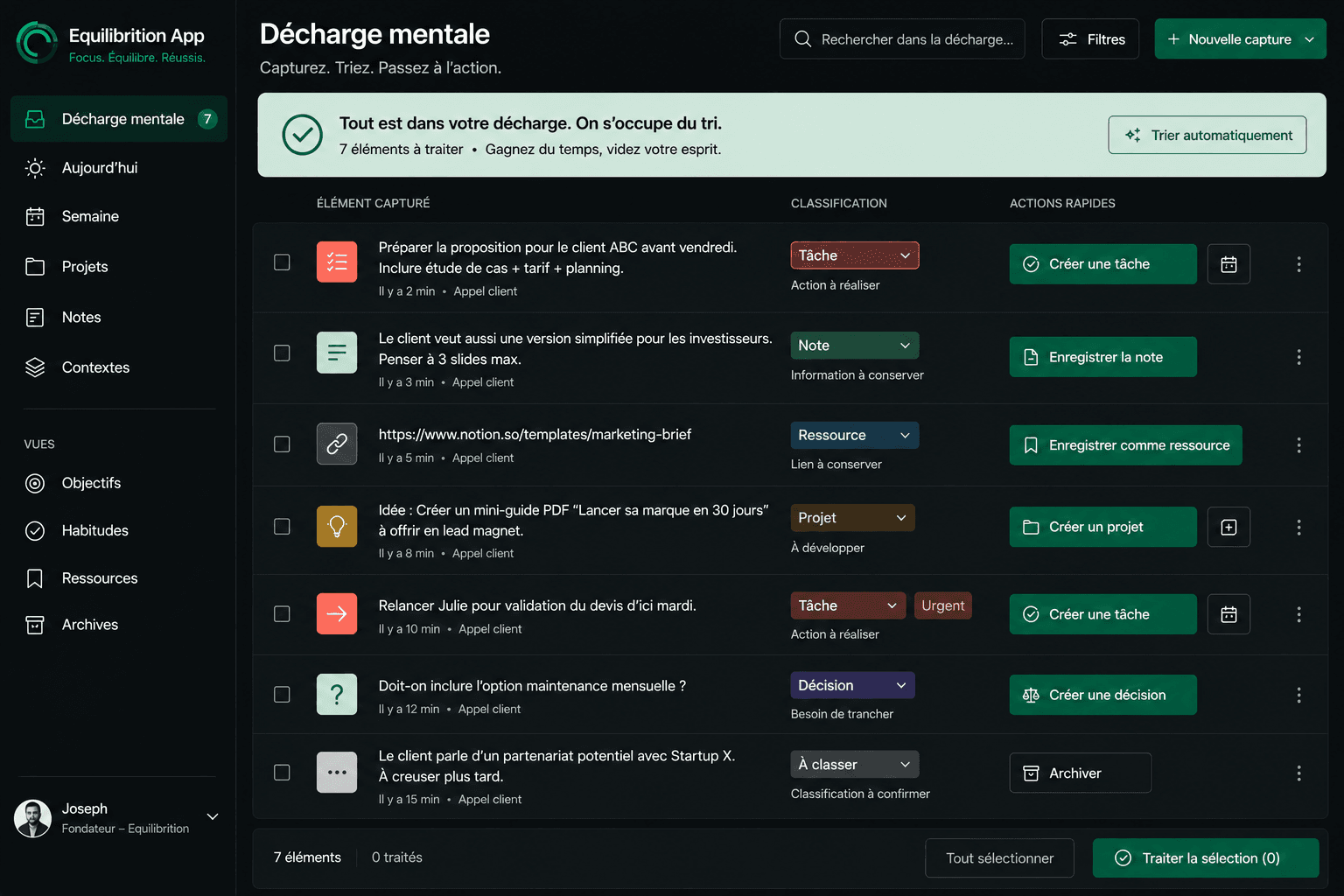
Capture now. Decide later.
Choose one place for ideas, requests and things to check. Write down what comes in, then return to your work. Decide where it belongs when you have the attention for it.
This inbox is not necessarily your email inbox or your task list. It is a temporary entry point: putting an idea there does not commit you to doing it.
Choose the place you will actually open
A pinned note, an Inbox list, a notebook you always carry or the Equilibrition inbox: start with a tool you already use. It should be quick to open, at your desk and on the move.
Use a single entry point for this test. Not one inbox per client. Your projects and archives stay where they are: nothing needs migrating.
Try it with your next three captures
Choose your capture point.
Pin your note or keep your notebook within reach. You should be able to write without searching.
Put the next three things you want to keep there.
One line per capture, all in the same place. Do not choose a category, priority or time slot. Return to what you were doing.
Read them at the end of the day.
Take five minutes. Can you find all three lines? Does each one still make sense? Notice which ones remain unclear.
Your three lines could look like this
- Request
- Thomas needs the updated quote for next week.
- Idea
- For the homepage: show a project being picked up after an interruption.
- To check
- Check whether the room is available for Friday's workshop.
These are captures, not a work plan yet. If you only write 'call Thomas', ask what you will understand tonight: will the name alone be enough?
Three pitfalls to avoid
Keeping several capture points
For these three captures, use only your chosen place. Otherwise, you will still have to search everywhere.
Organising before writing
If writing already requires an organisational decision, you may put it off. Record the information first.
Never looking again
A forgotten inbox becomes another place where requests disappear. Keep your five-minute review.
The goal is not an empty or perfect inbox. It is knowing where to write something down, then finding what you captured.