You're in. Your guide is open.
The Context → Action method
The goal is not to categorize every piece of information better. It is to preserve the thread between what comes in, what it means, and what you will actually do.
- 01
Capture without interrupting your work
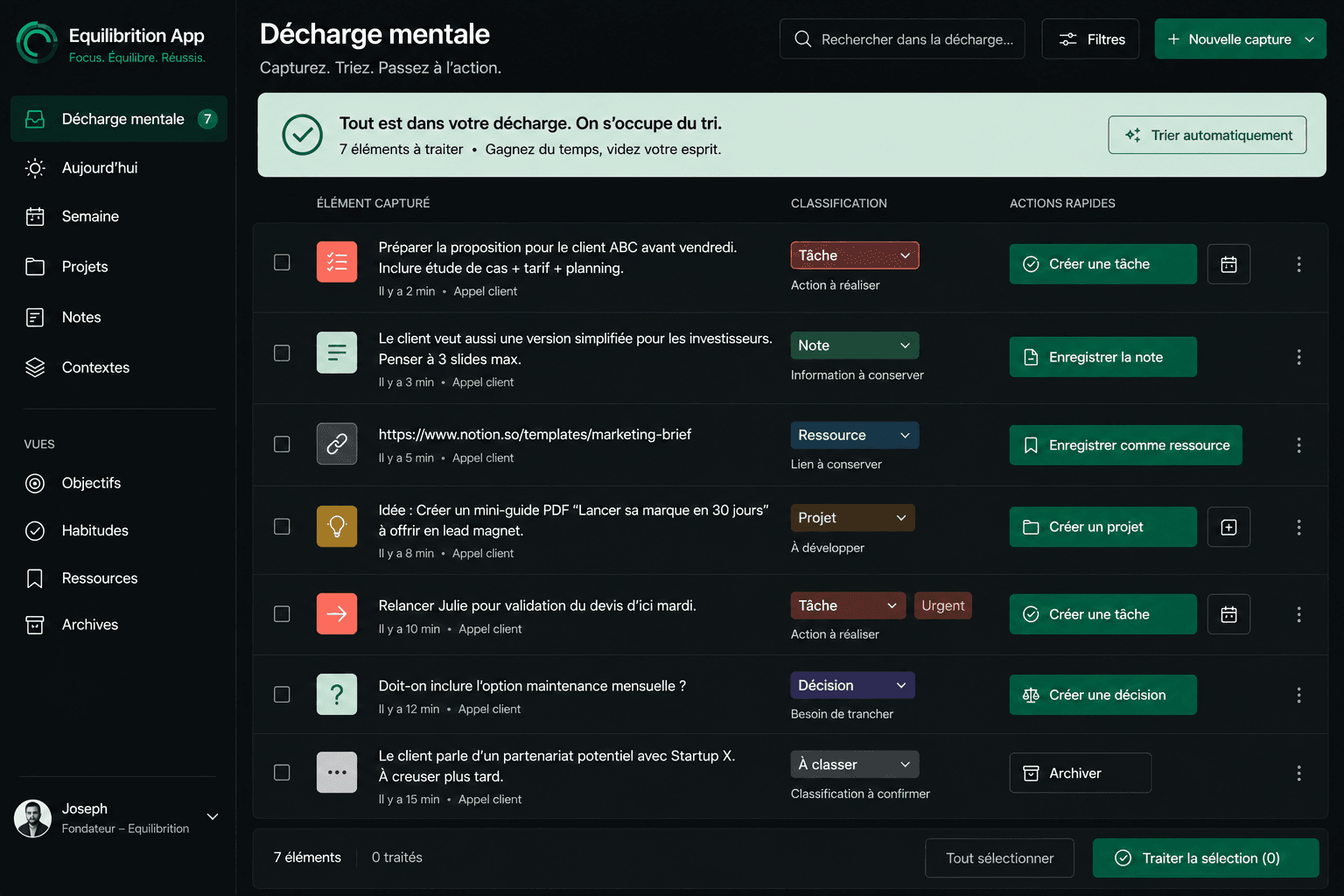
When an idea, request, or decision appears, put it in one inbox. Do not decide yet whether it is a note, task, or project: protect the information first.
Try this: choose one capture point you can reach at your desk or on the move.
- 02
Add just enough context
Record the source, the related project, and why it matters. One sentence of context beats a perfect title that makes no sense two days later.
Try this: complete the sentence “This matters because…”
- 03
Choose the next visible action
A note does not always need to become a task. When an action exists, start with a verb and connect it to the context needed to complete it.
Try this: replace “website” with “review the hero and choose the final version.”
- 04
Fit the action into a real week
Add a duration, a deadline when one exists, and then reserve time. If the action does not fit, make the trade-off before the week makes it for you.
Try this: only schedule what can realistically fit into your calendar.
- 05
Give your AI assistant the same context
Share the project, decisions, constraints, and objective with Claude, Codex, or ChatGPT. Your agent can work from a stable structure instead of another improvised brief.
Try this: prepare reusable project context instead of an isolated prompt.
The test to run this week
Take one recent idea. Move it through the five steps, then check whether you can resume it two days later without rebuilding its story.
Prepare a free project restart sheet, without signing upTo put the method into practice
Want to apply this system to your real projects?
Equilibrition connects your inbox, notes, projects, tasks, and calendar in a workspace you can use and your AI assistant can read. The Founder Pass is €97 one-time, with 30 days to see whether it holds up in your week.
See the Founder offer — €97One-time payment · Lifetime access to the Founder Plan · 18 spots remaining